This article is part of the Home Assistant Guide – the curated learning path for your smart home.
Why automate ventilation?
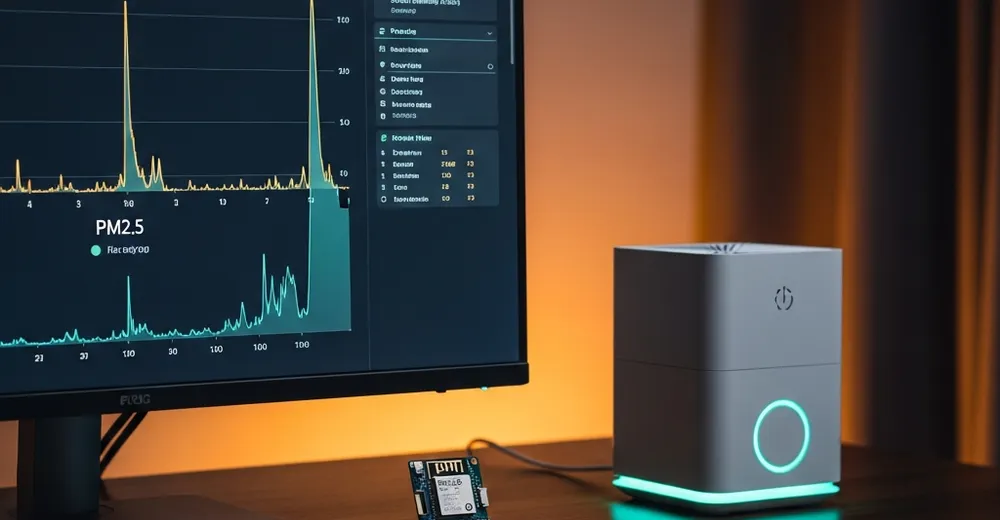
In the previous article I built a PMS5003T on an ESP32 that reports PM1.0, PM2.5 and PM10 to Home Assistant. Nice – but looking at the values and then switching the air purifier on by hand isn't a smart home, it's a display.
The goal here: Home Assistant switches the air purifier (or a fan) on automatically when PM2.5 exceeds a threshold, and off again once the air is clean. Sounds trivial – but there's a trap: without hysteresis the switch constantly flaps around the threshold.
Ad · Affiliate link – if you buy through it, I may earn a commission. It doesn’t change the price for you.

A PM2.5 sensor must already arrive as an entity in Home Assistant (mine is sensor.pm2_5 from the PMS5003T setup) plus a switchable actuator for the air purifier, e.g. a smart plug or an ESPHome relay (switch.luftreiniger).
The concept: threshold + hysteresis
A single threshold (e.g. "on when PM2.5 > 25") is a bad idea: if the reading wobbles around exactly that line, the air purifier switches on and off every second. That's annoying, costs lifespan and achieves nothing.
The solution is hysteresis – two thresholds:
- Turn on when PM2.5 is above 35 µg/m³ (for 2 minutes continuously).
- Turn off only when PM2.5 is below 15 µg/m³ (for 10 minutes).
The for: duration also debounces short spikes (e.g. while searing food). The 15/35 values roughly follow the WHO guidelines – adjust them to your rooms.
The automation (YAML)
Two automations – one to turn on, one to turn off. The condition avoids unnecessary switch commands when the actuator is already in the target state:
# Air purifier ON when PM2.5 is high
- alias: "Air purifier on when PM2.5 high"
  trigger:
    - platform: numeric_state
      entity_id: sensor.pm2_5
      above: 35
      for: "00:02:00"
  condition:
    - condition: state
      entity_id: switch.luftreiniger
      state: "off"
  action:
    - service: switch.turn_on
      target:
        entity_id: switch.luftreiniger

# Air purifier OFF when PM2.5 is low (hysteresis)
- alias: "Air purifier off when PM2.5 low"
  trigger:
    - platform: numeric_state
      entity_id: sensor.pm2_5
      below: 15
      for: "00:10:00"
  condition:
    - condition: state
      entity_id: switch.luftreiniger
      state: "on"
  action:
    - service: switch.turn_off
      target:
entity_id: switch.luftreinigerTurning on reacts fast (2 min) so the air gets cleaned quickly. Turning off waits longer (10 min) so the purifier doesn't shut down while values are still hovering. Asymmetric hysteresis – fast in, slow out.
Optional: push alert on very bad air
At really high readings I want to be actively notified – regardless of whether the purifier is already running:
- alias: "Alert on very high PM2.5"
  trigger:
    - platform: numeric_state
      entity_id: sensor.pm2_5
      above: 75
      for: "00:05:00"
  action:
    - service: notify.mobile_app_your_phone
      data:
        title: "Air quality poor"
        message: >-
          PM2.5 is at {{ states('sensor.pm2_5') }} µg/m³ –
          the air purifier is running.
Optional: status sensor via template
For dashboards a binary "air bad" sensor is handy – it uses the same threshold as the turn-on automation:
template:
  - binary_sensor:
      - name: "Air quality poor"
        device_class: problem
        state: "{{ states('sensor.pm2_5') | float(0) > 35 }}"
What I left out
Deliberately not covered:
- Fan-speed control. This only switches on/off. Stepless fan control (PID or similar) is a separate, much fiddlier topic.
- Outdoor-air check. Window ventilation only makes sense if there's less particulate matter outside than inside – that would need a second (outdoor) sensor or an API.
- CO₂ & humidity. Real ventilation control considers more than PM2.5. This is only about particulate matter.
- Helper entities for the thresholds. Cleaner would be to move 15/35 into an
input_numberinstead of hardcoding them in YAML.
Conclusion
With two automations and clean hysteresis, the pure particulate-matter display becomes a real automation: the air purifier runs when it's needed and is off otherwise. No flapping, no manual intervention. The thresholds are the only part you should adapt to your rooms – the rest just runs.
Next logical step: pull the 15/35 limits into input_number helpers on the dashboard so you can tune them without editing YAML.
Ad · Affiliate link – if you buy through it, I may earn a commission. It doesn’t change the price for you.