In the last article I extended my MCP image tool to accept reference images. That made one thing obvious: results look completely different depending on the model. So I pitted them against each other systematically.
The Contenders
All models hang off the same MCP tool here; I only switch the provider and model:
- Imagen 4 (Google,
imagen-4.0-generate-001): text→image only. Controlled viaaspect_ratio; at 16:9 it returns a 1408×768 image. - gpt-image-1 (OpenAI): text→image and image edit (
images.edit), so it can process reference images. Fixed output sizes; at 16:9 a 1536×1024 image. - gemini-2.5-flash-image (Google): the image-capable Gemini model, which also takes reference images. My tool switches to it automatically as soon as a reference image is supplied and provider
geminiis selected.
The decisive difference is already here: two of the three accept an image as input – Imagen does not.
Test 1: Logo fidelity with a reference image
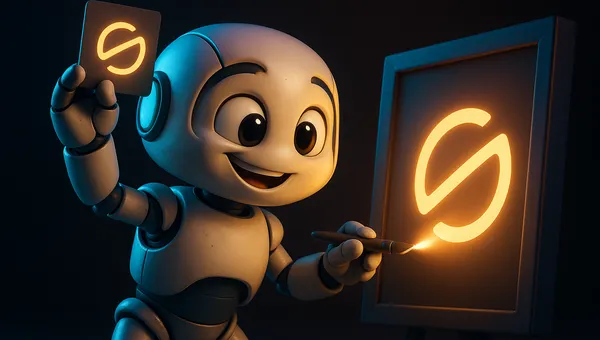
The task: a tablet showing the Home Assistant logo on its screen. The two image-capable models (gpt-image-1 and gemini-2.5-flash-image) were given the real logo as a reference image – exactly the same file. Imagen got only a text description, because it can't take an image as input at all.
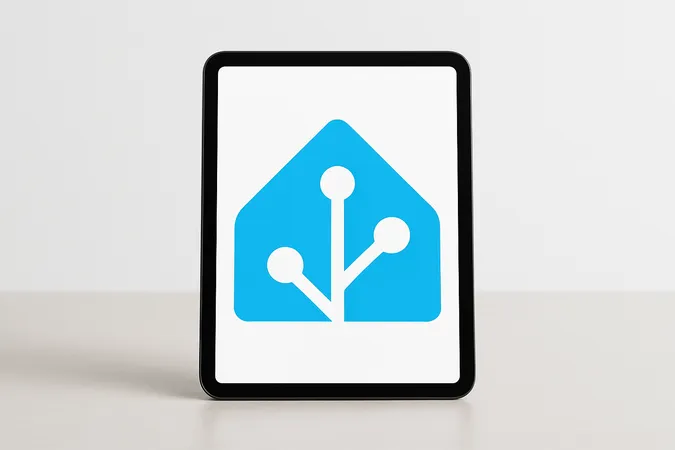
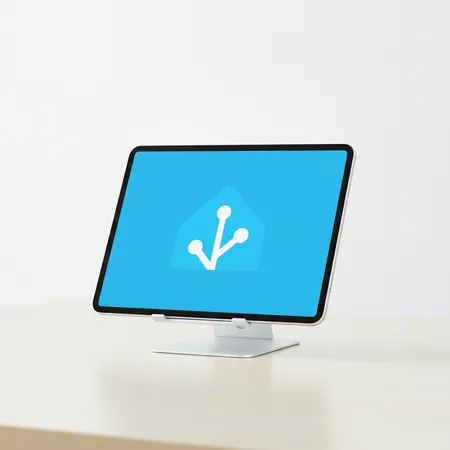
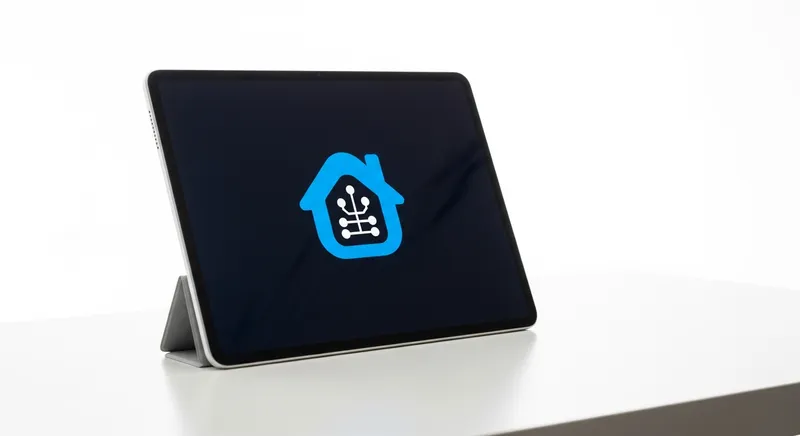
Clear ranking: gpt-image-1 > gemini-2.5-flash-image > Imagen. Both image-capable models clearly beat Imagen – logically so, because this is an architectural limit, not a slip-up: without image input Imagen has to reconstruct the logo from words and reliably fails on brand marks. gpt-image-1 matches the original most precisely; gemini-2.5-flash-image gets close but interprets the logo more freely. As soon as a brand, logo or specific product has to look exact, there's no way around a reference image.
Test 1b: The wordmark – the real litmus test
An icon is one thing, text is another. Image models are notorious for mangling type. So here's the harder test: our own devmaker.net logo including the wordmark as a reference – again the two image-capable models got the real logo, Imagen only the description.
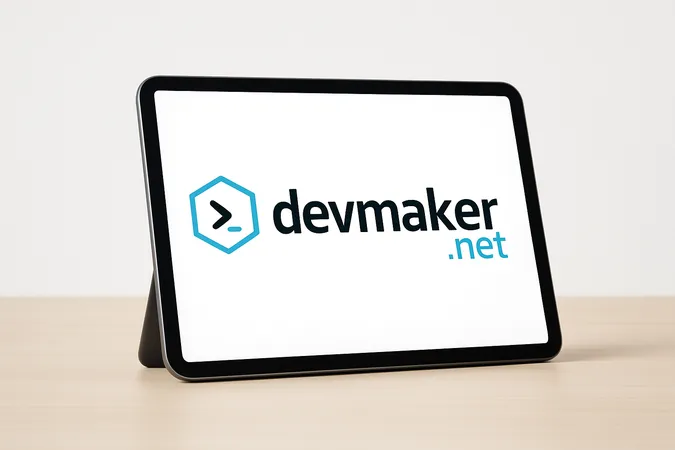

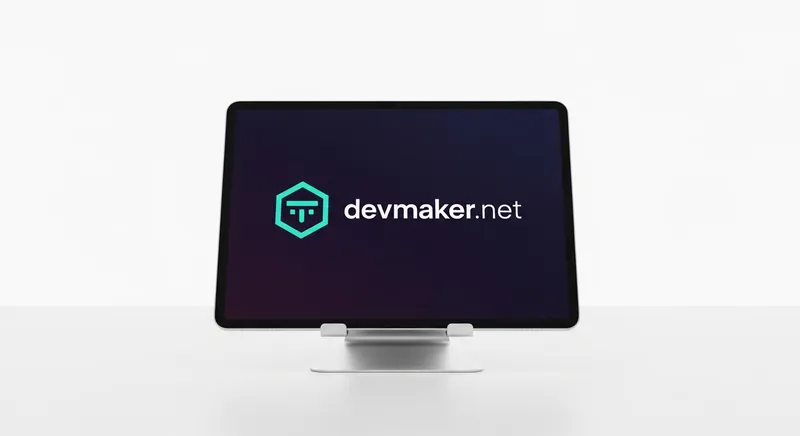
This is exactly where the reference image pays off most. gpt-image-1 is the only model that reliably nails symbol and lettering together. gemini-2.5-flash-image gets close but stumbles in the typical way on text – a single missing letter is enough to break a logo. And Imagen shows why “just describe the logo” isn't a solution: it can type the letters, but it can't invent the brand identity. For anything involving text – wordmarks, labels, UI strings – gpt-image-1 with a reference is currently the only reliable choice.
Test 2: Brightness & exposure
Same prompt, deliberately without any brightness instruction: “developer workspace at night, moody atmosphere”. The result flipped my expectation.
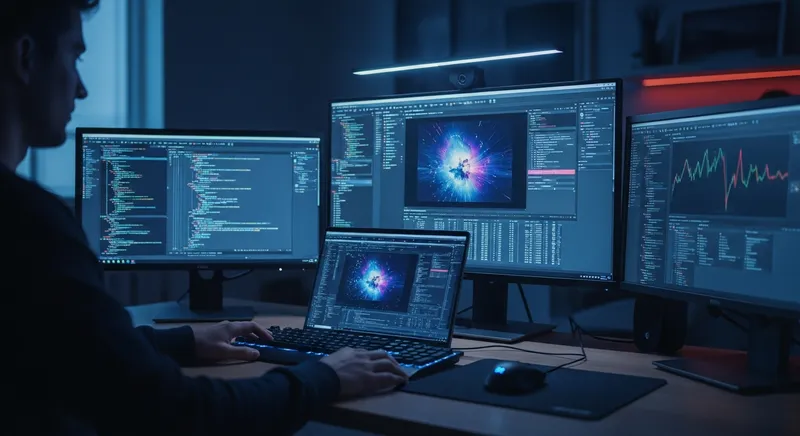
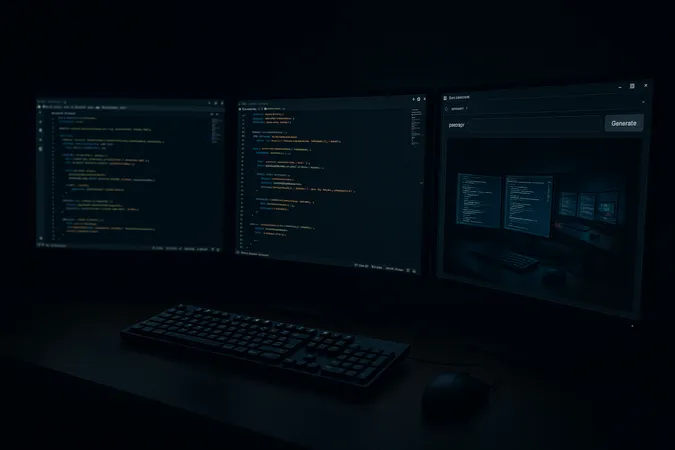
Lesson from practice: both models can come out too dark – but gpt-image-1 interprets mood words far more aggressively. Even if you want dark hero images (like our terminal theme here), you still have to state the brightness explicitly: “well-lit subject, clearly visible, balanced exposure”. Otherwise all you end up seeing is the brightest element in the frame.
Test 3: Abstract concept & text artifacts
For conceptual heroes (agents, pipelines, “X vs. Y”) there's no photographable subject. Same prompt to both: a glowing “agent loop” core, explicitly no text, no letters.

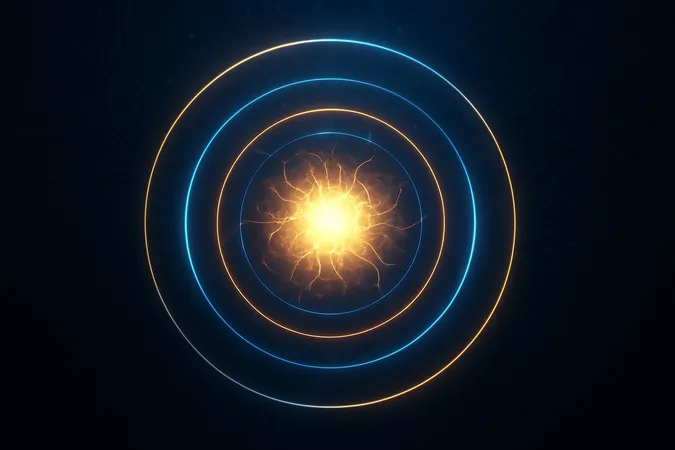
Both deliver usable results here and – importantly – neither smuggles in text. The “no text” pattern works for both, but it's no guarantee: as soon as the subject contains type (buttons, diagram labels, a keyboard), both happily produce mangled pseudo-letters – see the dropped letter in the wordmark above. Tendency: Imagen leans towards a crisp stock look, gpt-image-1 towards illustration.
Output sizes & one pitfall
Imagen controls the format via aspect_ratio (16:9 → 1408×768), gpt-image-1 only knows fixed sizes (16:9 → 1536×1024). gemini-2.5-flash-image simply ignored my 16:9 setting in both reference tests – once square (1024×1024), once extremely wide (2048×512). Nasty when you're filling fixed hero slots; so double-check before cropping.
The pitfall that cost me a failed generation: if you switch the provider but forget the model, the resolver keeps pulling the default model from the settings – and that's an Imagen model:
# Wrong: provider set, model forgotten
# -> the resolver still pulls the Imagen model from the settings
generate_ai_image(prompt="...", provider="openai")
# 400: The model 'imagen-4.0-generate-001' does not exist

# Right: pass provider AND model together
generate_ai_image(prompt="...", provider="openai", model="gpt-image-1")
Where this runs
A quick note so the setup stays honest: the production Wagtail site runs on a netcup server. These experiments, however, run in my dev environment locally on a small mini PC in the homelab – that's where the MCP tool issuing the image calls lives. The image models themselves run in the cloud anyway; the mini PC only orchestrates. For exactly this kind of always-on dev box I use this one:
Ad · Affiliate link – if you buy through it, I may earn a commission. It doesn’t change the price for you.

What I left out
- Exact cost & latency: both vary with load and size – without a clean measurement setup any numbers would be guesses. Anecdotally: gpt-image-1 a touch slower, Imagen 4 brisk.
- Midjourney / Stable Diffusion: deliberately left out – I cared about the models that hang directly off my tool.
- Other formats: I tested 16:9 heroes (apart from the gemini outliers). With square/portrait the result may differ.
Conclusion: which model when
- Imagen 4 is my default for abstract, bright heroes with a sharp, clean look – fast and fuss-free, but without reference images.
- gpt-image-1 is what I reach for as soon as a reference image is involved (logo, product, brand) or a mascot needs to stay consistent across several images. Best logo and, above all, text/wordmark fidelity. The price: prompt brightness explicitly, otherwise it goes too dark.
- gemini-2.5-flash-image is the fast reference-image alternative from the Google camp – close, but freer in its interpretation, prone to dropping a letter in text, and with a mind of its own on format.
Logo/brand has to be exact – especially with text/wordmark? → gpt-image-1 with a reference image. A fast reference-image alternative without type? → gemini-2.5-flash-image (check the format). A fast, sharp concept hero with no template? → Imagen. In every case: write the brightness explicitly into the prompt.
Ad · Affiliate link – if you buy through it, I may earn a commission. It doesn’t change the price for you.