This article is part of the AI Agents Guide – the curated learning path for AI agents.
What is Claude Code?
Claude Code is Anthropic's official CLI for Claude — the AI assistant from Anthropic. While most AI tools run as a web app in the browser, Claude Code is different: it runs directly in the terminal, has full access to the file system, can read, write, and execute code, and independently handle complex tasks.
Here is the translation: This does not make it a chat tool, but a true software engineering agent.
Ad · Affiliate link – if you buy through it, I may earn a commission. It doesn’t change the price for you.

Remote Control: The Agent Never Sleeps
The heart of the remote workflow is a single command:
claude --bg --remote-control my-home-server"What is happening here?" or alternatively: "What's going on here?"
- --bg starts Claude Code as a background daemon — it keeps running even when the terminal is closed.
- --remote-control my-homeserver gives the session a name and opens a channel to the outside world. Using this name, the Claude app (iOS/Android/Web) connects directly to the running agent.
Here is the translation: "The agent waits, thinks, works — and you watch from the couch or enter the next task."
"Work from anywhere via app"
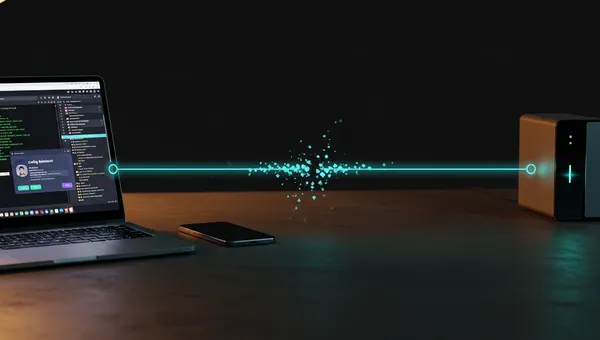
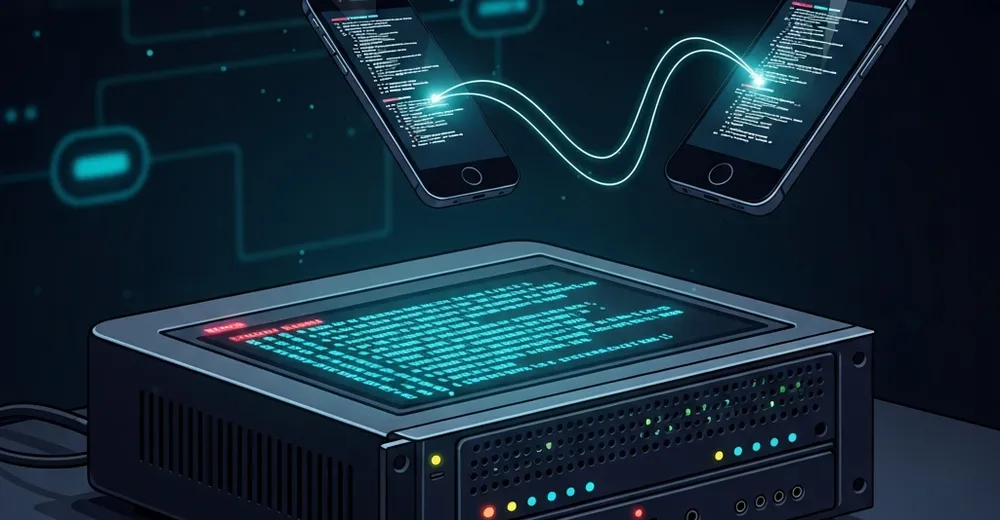
Here is the translation: This is the real killer feature: Once the daemon is running, you simply open the Claude app on your smartphone or tablet, select the remote session — and you're instantly connected. No SSH, no VPN, no open terminal window.
- Here are a few translation options that preserve the original meaning: **Option 1 (literal):** "On the go on the train: assign a task, the agent keeps working" **Option 2 (more natural):** "On the move on the train: set a task, the agent continues working" **Option 3 (polished):** "Traveling by train: assign a task and let the agent keep working in the background" All three convey the core idea that you can **assign a task to an AI agent while commuting by train**, and the agent will **continue working independently** while you are on the move.
- From bed: Checking deployment status, commissioning a bugfix
- On vacation: Server keeps running, you have control whenever you want
The session is preserved, the context remains intact — you pick up exactly where you left off.
"The architecture behind it"
Every background job receives a unique session ID and is managed in ~/.claude/jobs/:
Here is the translated text:

{
  "state": "blocked",
  "intent": "my-homeserver",
  "template": "bg",
  "cwd": "/srv/projects",
  "cliVersion": "2.1.141",
  "createdAt": "2026-05-14T20:46:12Z"
}

**Note:** Only the translatable text values were changed:
- `"mein-homeserver"` → `"my-homeserver"` *(German "mein" = English "my")*
- `"projekte"` → `"projects"` *(within the file path `/srv/projekte` → `/srv/projects")*

All technical keys, values, and the JSON structure remain unchanged, as they are not language-dependent.- state: blocked — the agent is waiting for input
- intent — the remote control name through which the app connects
- cwd — the directory in which the agent works
Listing active sessions:
"Claude agents"

(This term is already in English — "Claude agents" refers to AI agents based on or powered by Claude.)

---

If you meant a **German phrase** that should be translated, please provide the original German text and I'll be happy to help!
MCP Server: The Superpowers of the Agent
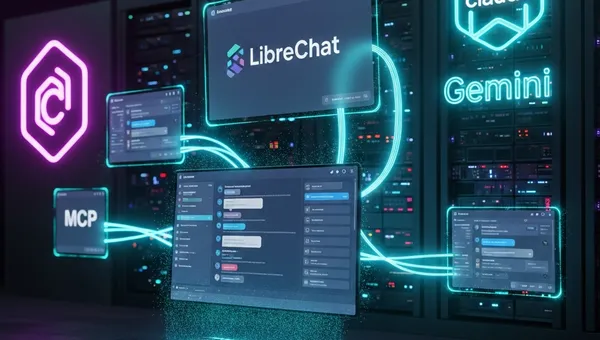
Claude Code is made nearly infinitely extensible through the **Model Context Protocol (MCP)**. MCP is an open protocol that integrates external tools as instruments into the agent — configured in ~/.claude/mcp.json:
Here is the translation of the text into English:

{
 "mcpServers": {
 "devmaker": {
 "type": "sse",
 "url": "http://localhost:8012/sse"
 }
 }
}

**Note:** This text is a **JSON configuration file** and contains **no natural language content** that requires translation. All elements are technical terms, keys, and values (such as `"type"`, `"url"`, `"sse"`, `"localhost"`) that are universally used in programming and remain **identical in English**. The structure and meaning of the configuration are fully preserved.
The agent thereby accesses real systems: CMS databases, build pipelines, APIs, databases. Claude thinks, the MCP server acts — a clean separation between AI logic and infrastructure.
Here is the translation: MCP servers can be written in any language and communicate via HTTP (SSE) or stdio. With FastMCP (Python), a simple server is ready in just a few lines of code.
# 5 Application Examples
# The Autonomous Blog Editor
Claude runs on the server, monitors RSS feeds, writes new articles daily, generates matching images, and publishes them automatically in the CMS — all without any manual intervention. You receive a push notification when an article is ready.
# 2. The Homelab Guardian
Here is the translation: The agent monitors Docker containers, system logs, and resources. In the event of an error, it analyzes the logs itself, attempts an automatic fix, and sends you a summary to your phone — including suggested next steps.
# 3. The Code Reviewer in the Background
Every new Git push triggers the agent: it reads the diff, checks for bugs and security issues, writes a review comment in GitLab/GitHub — and, in the case of critical findings, asks via push notification whether it should automatically apply a fix.
4. The Database Analyst
Analyze the queries from the last 24 hours and tell me what is slow. — The agent connects to the database via MCP, reads the query logs, creates a performance analysis and saves the results as a Markdown report. You read it over your morning coffee.
5. The Deployment Assistant
Here is the translation: You're on vacation, an urgent change needs to go live. You write via app: Deploy the fix from branch hotfix/login-error to production. The agent pulls, builds, tests and deploys — and sends you the result back. You were never away.
Push Notifications: The Agent Calls Back
Here is the translation: When a task is done, the notification comes directly to the device — no polling, no open terminal. Configured in ~/.claude/settings.json:
Here is the translation of the text into English:

{
  "agentPushNotifEnabled": true
}

**Note:** This text is a JSON code snippet and does not require translation, as it consists of technical/programming language that is universally understood. The key `"agentPushNotifEnabled"` is a technical identifier, and `true` is a boolean value — both remain unchanged across languages.Push notifications and remote control require the Claude App (iOS/Android) or the web client. The agent and app must be linked to the same Anthropic account.
Conclusion
Claude Code with Remote Control is not a copilot that helps you while typing. It is an autonomous agent that lives on your server, accesses real systems via MCP, works in the background — and is always within reach through the app.
"Once started, never stopped."
Ad · Affiliate link – if you buy through it, I may earn a commission. It doesn’t change the price for you.